
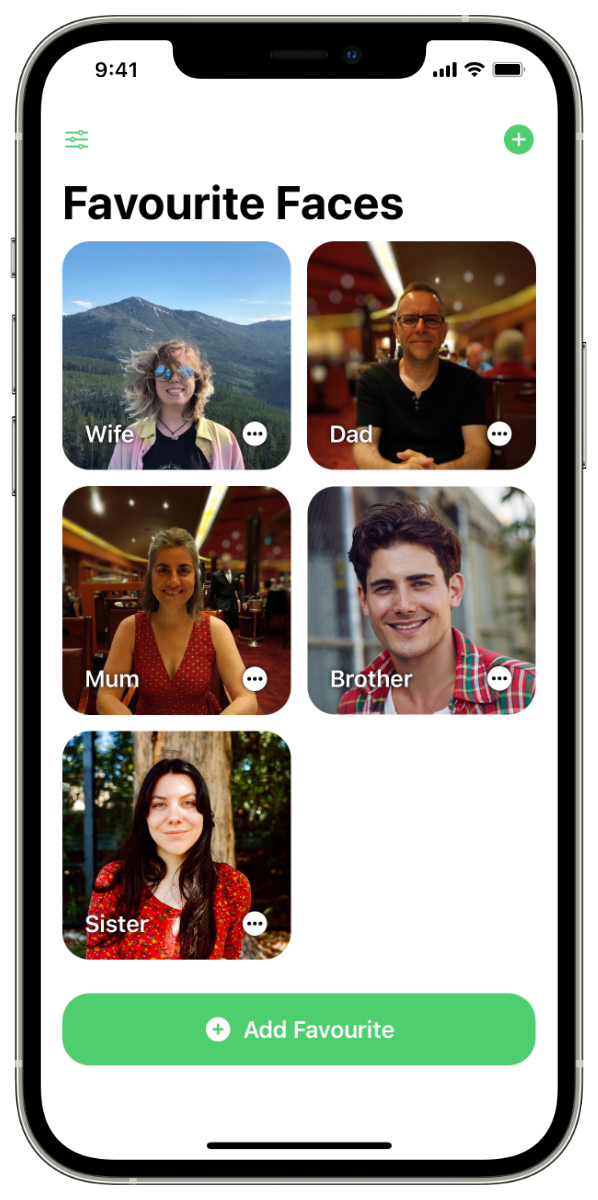

Favourite Faces
Your Favourite People. Now on Tap.
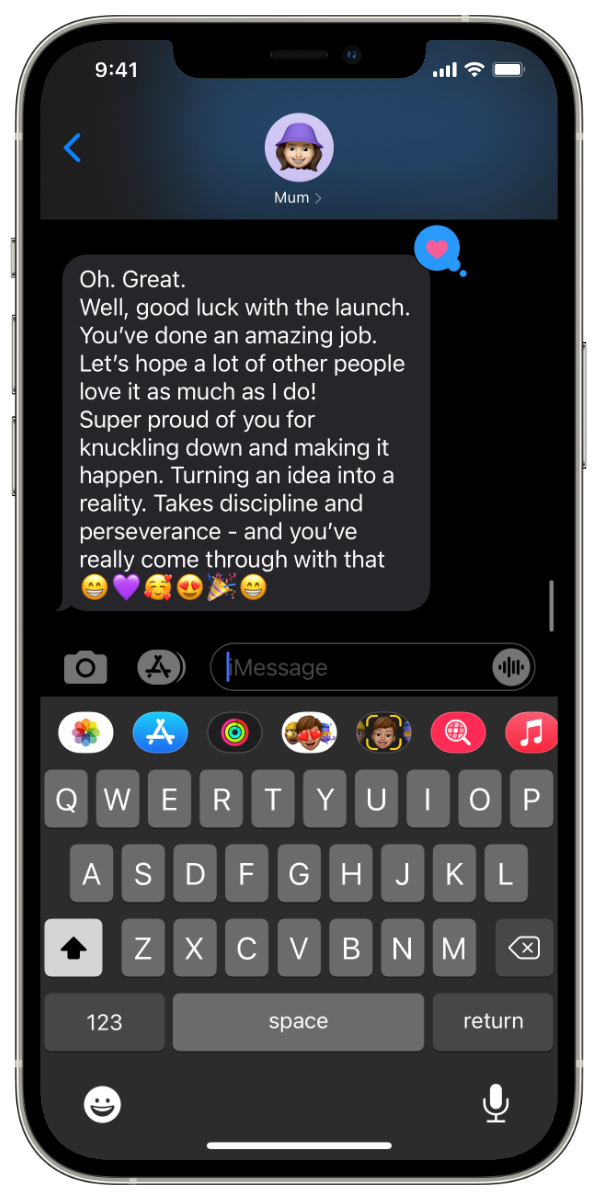
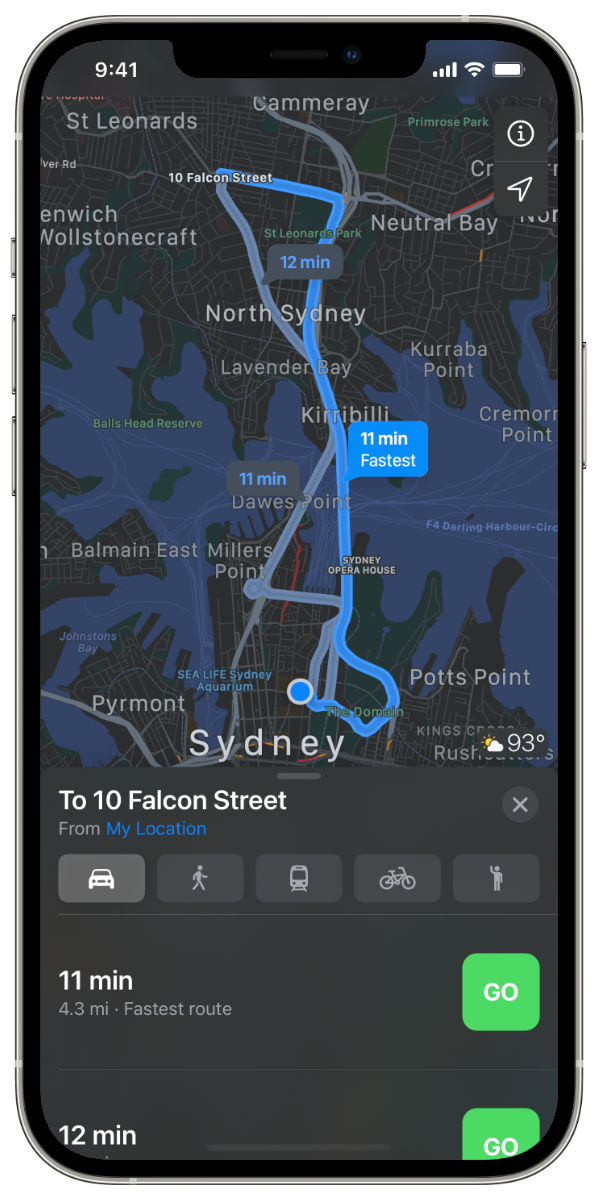
Favourite Faces empowers you to stay close and effortlessly connect with your favourite people, right from your home screen. Widgets are simple to create and customise, giving you control. And a quick tap or two allows you to call, message, FaceTime or get directions to those you care about most.

Face it. It’s good to see a familiar face.
Studies have shown simply looking at familiar faces can help put us in a good mood.¹ Place Faces right on your Home Screen to see those you love most, every time you use your phone.
Your favourites. Feeling right at home.
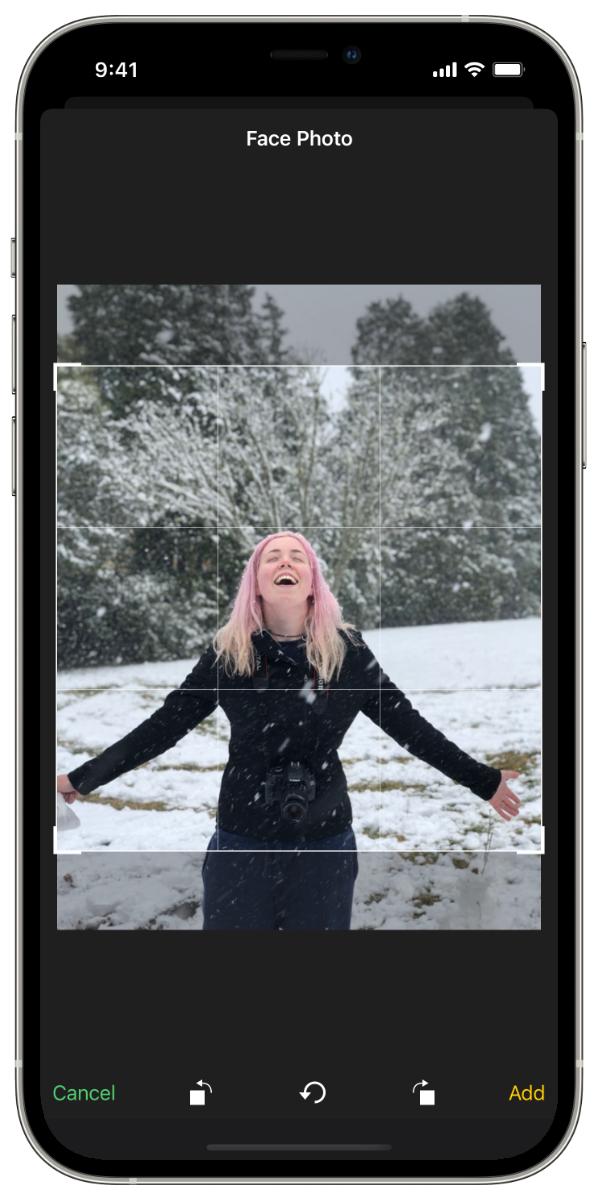
It couldn’t be easier to create & customise your Favourite Faces. Then place them as Widgets anywhere you like on your Home Screen.
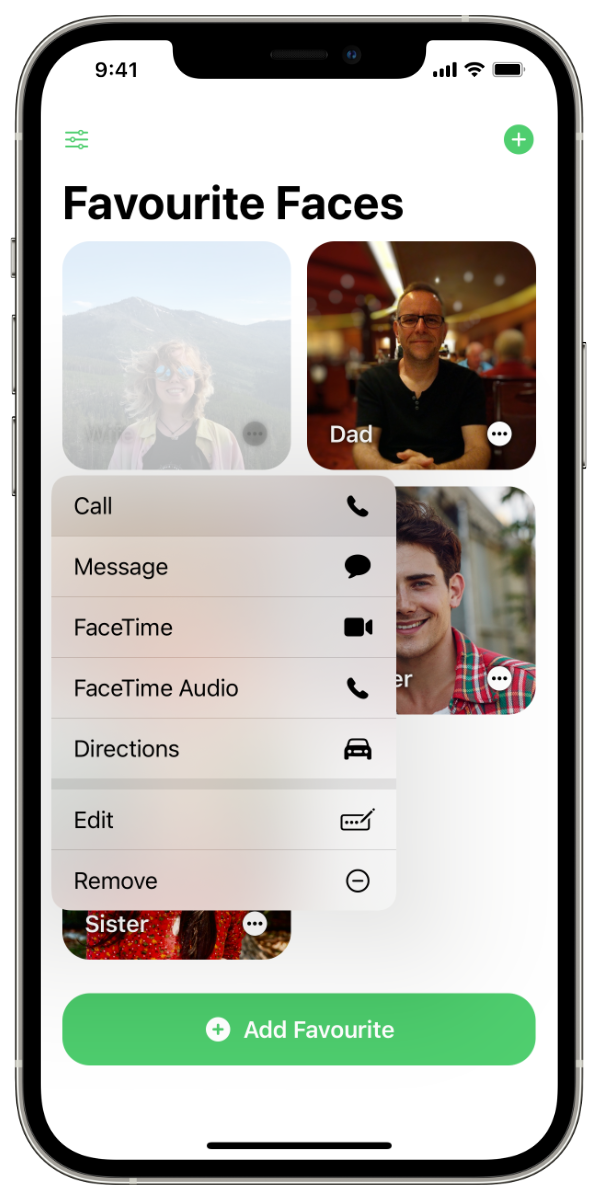
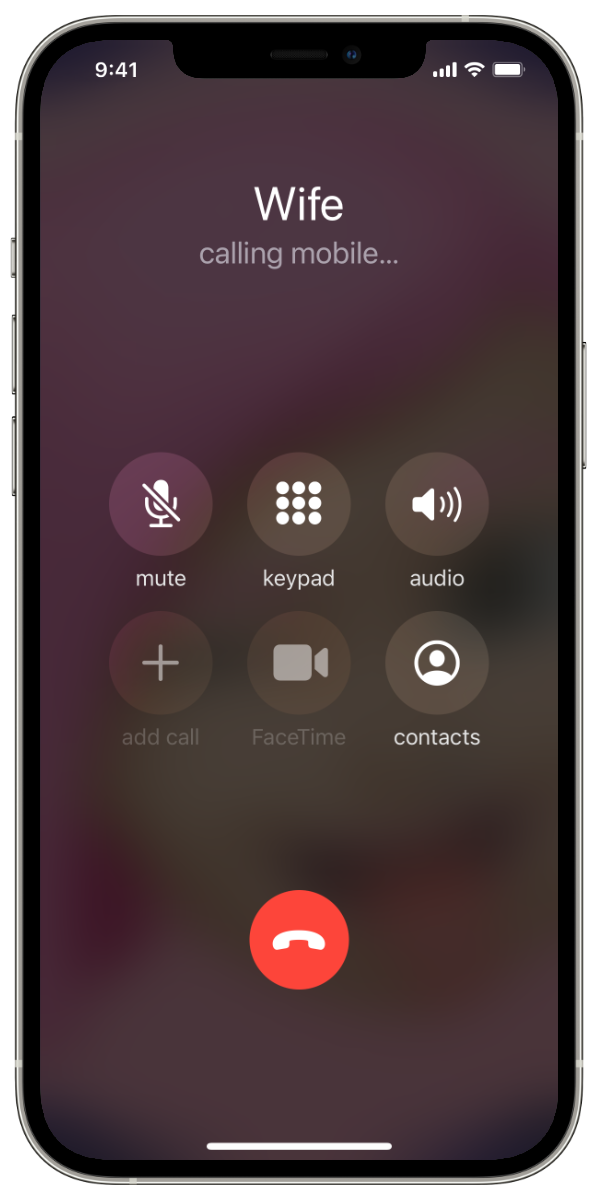
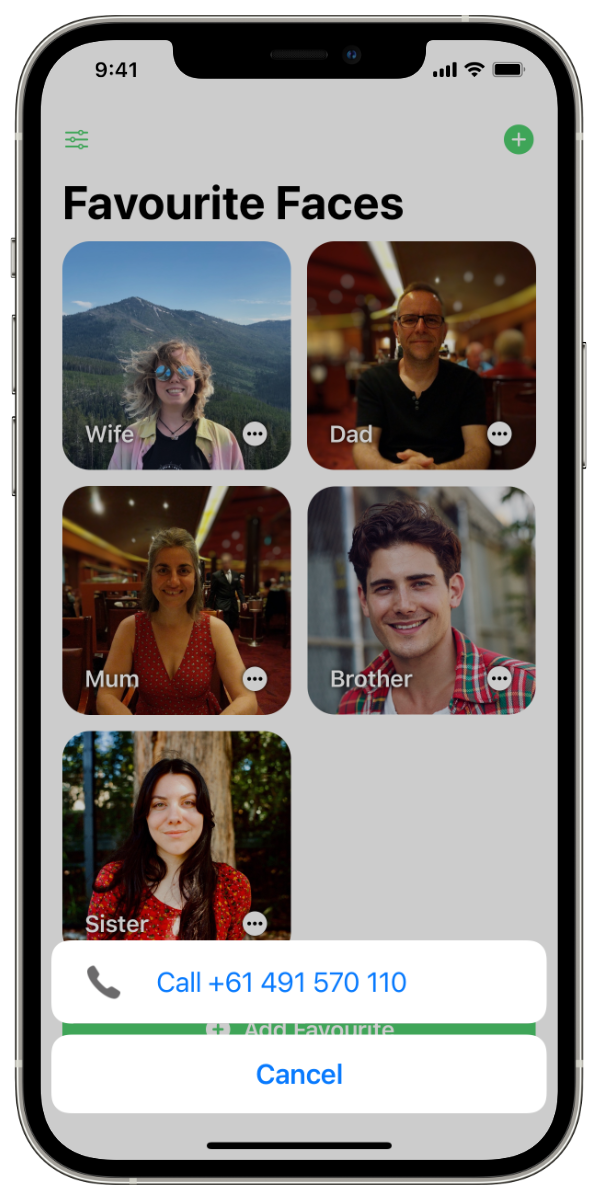
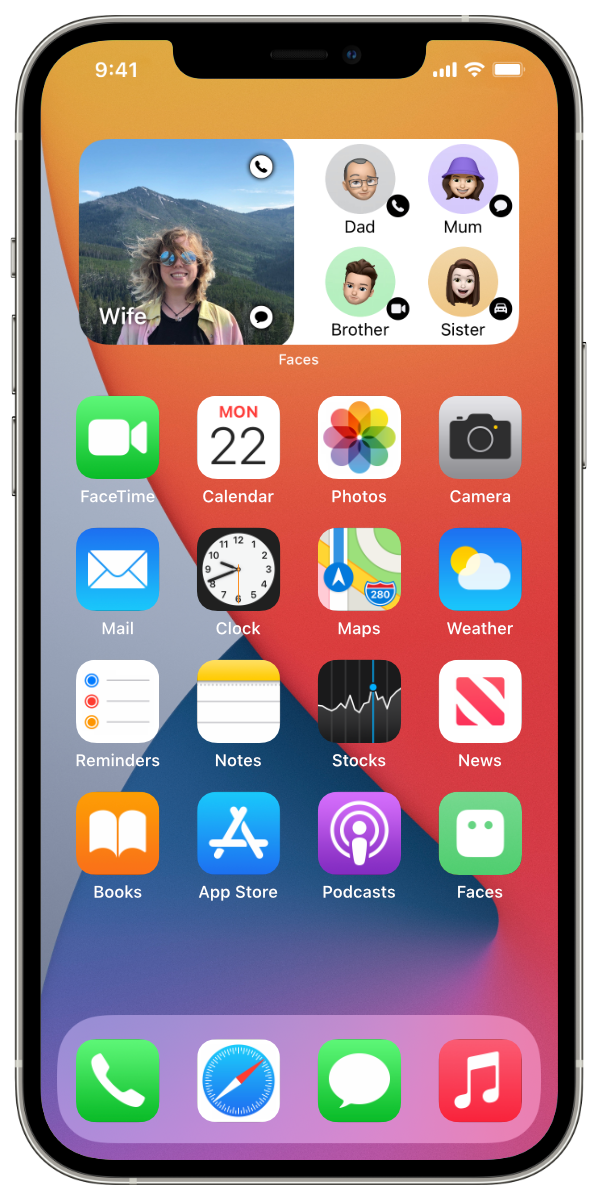
Keep in touch. With a touch.
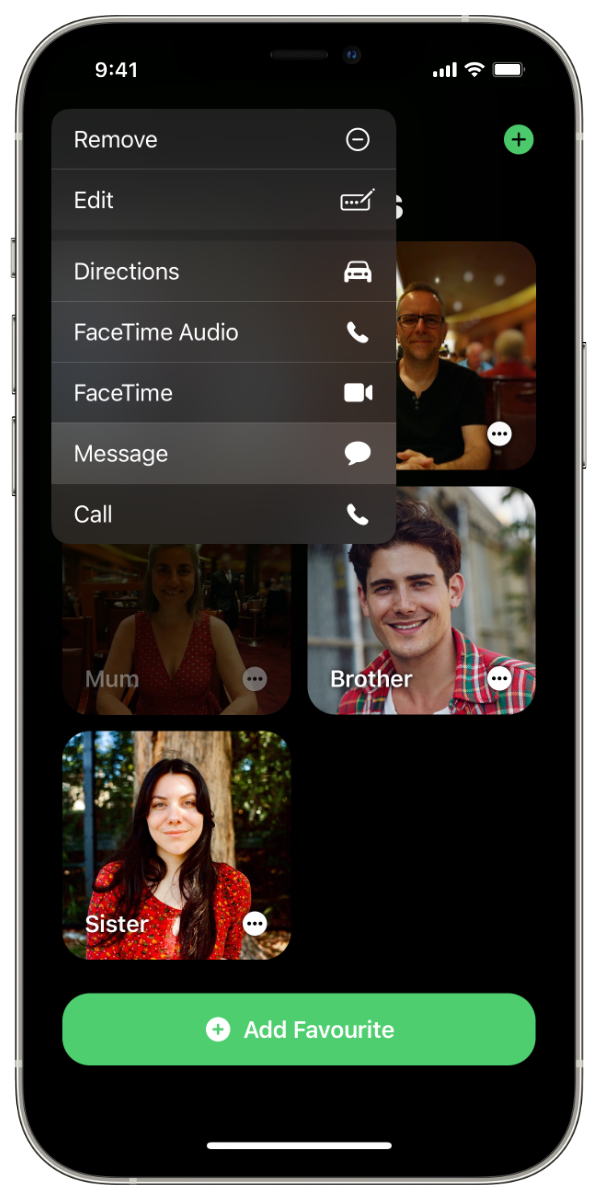
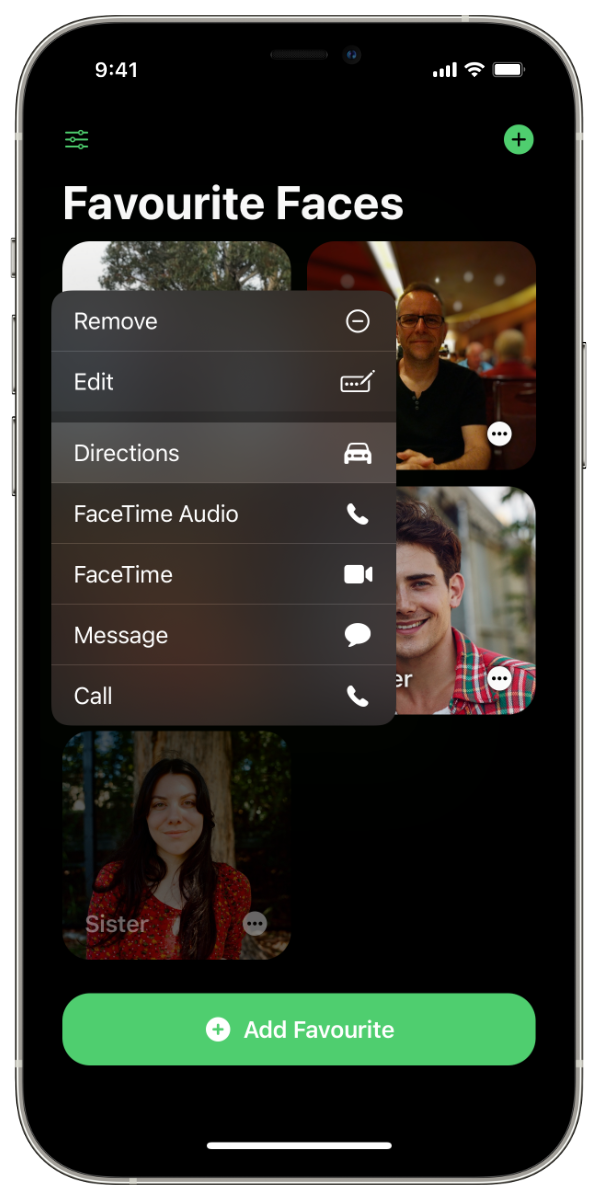
Simply touch on a Face to compose a message, or tap and confirm to place a call or FaceTime. You can even get directions.
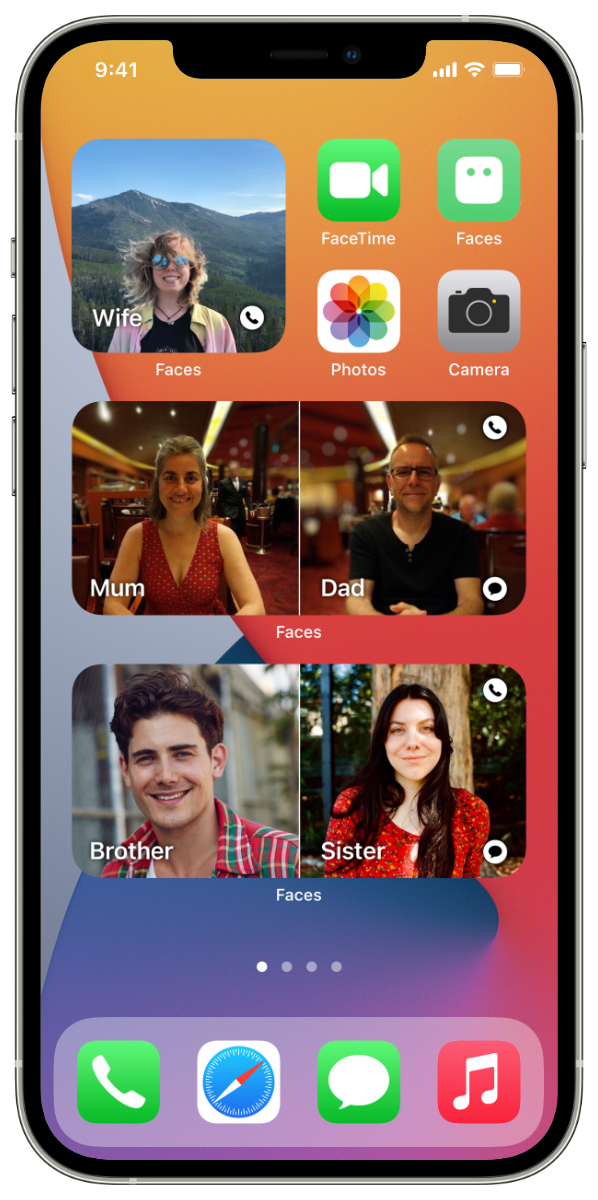
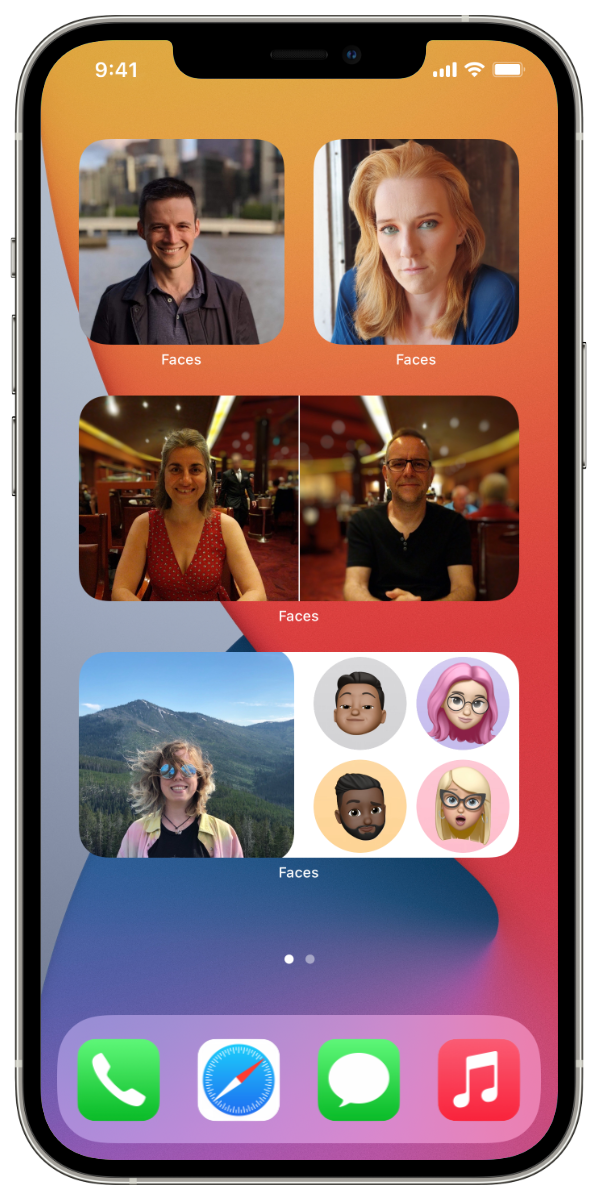
Fit the whole family in frame.
Widget layouts let you see mum and dad side-by-side, or see your partner alongside four friends. You can even stack widgets to fit the whole family.
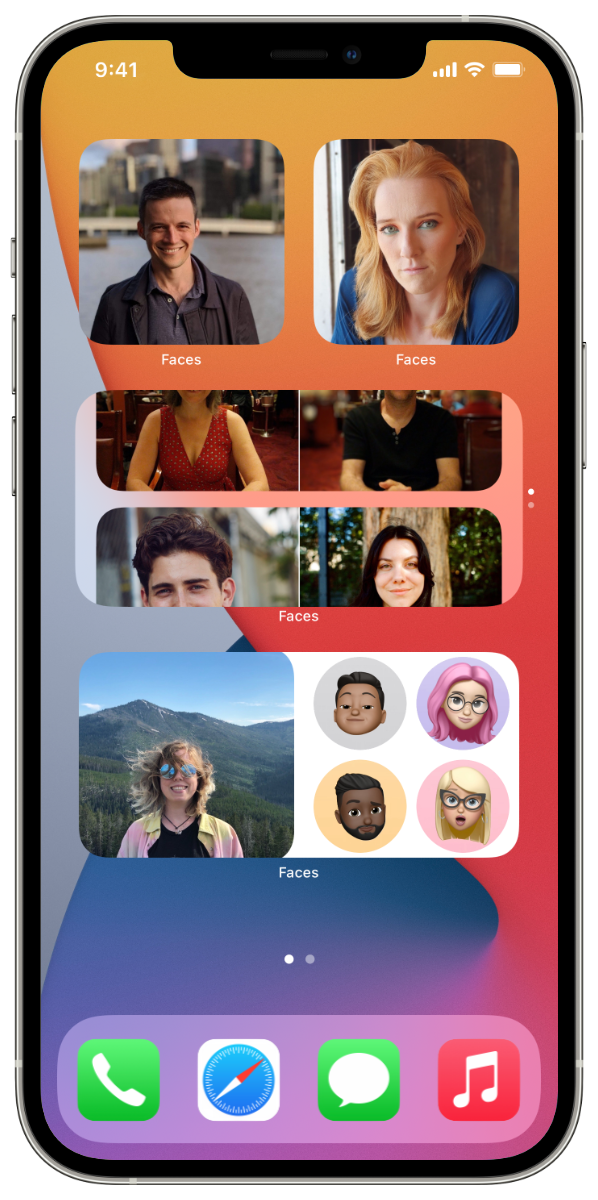
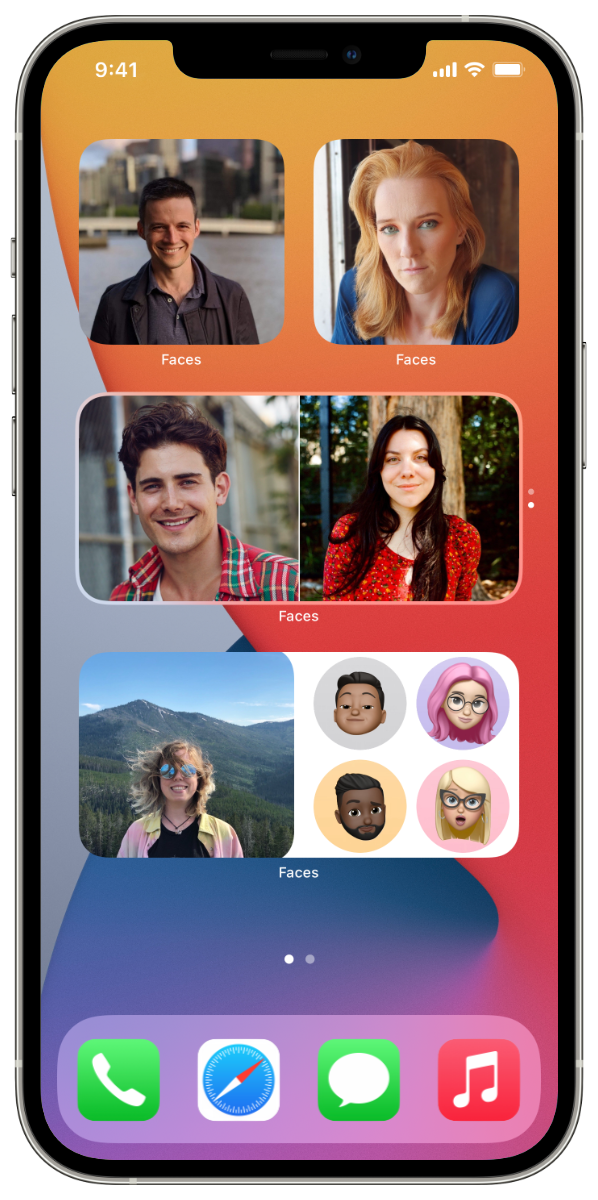
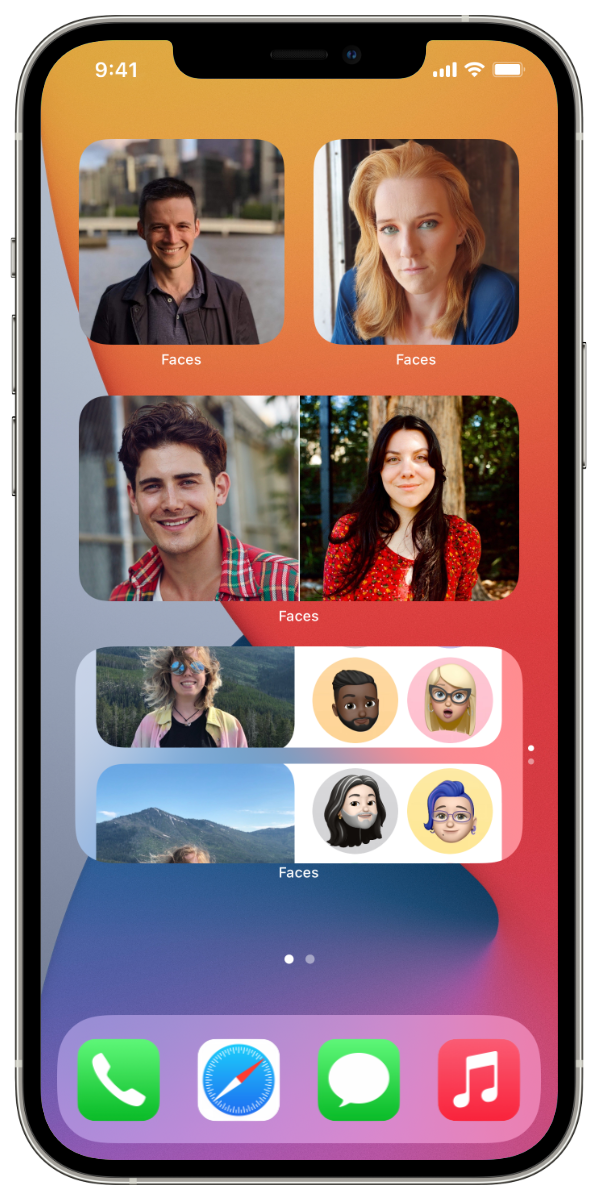
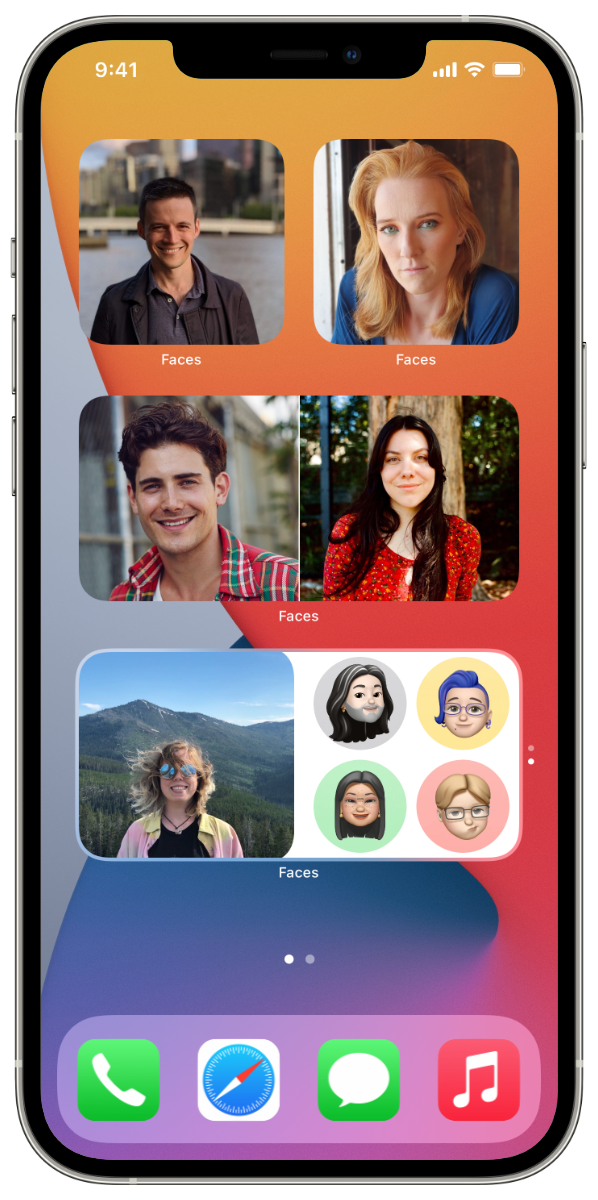
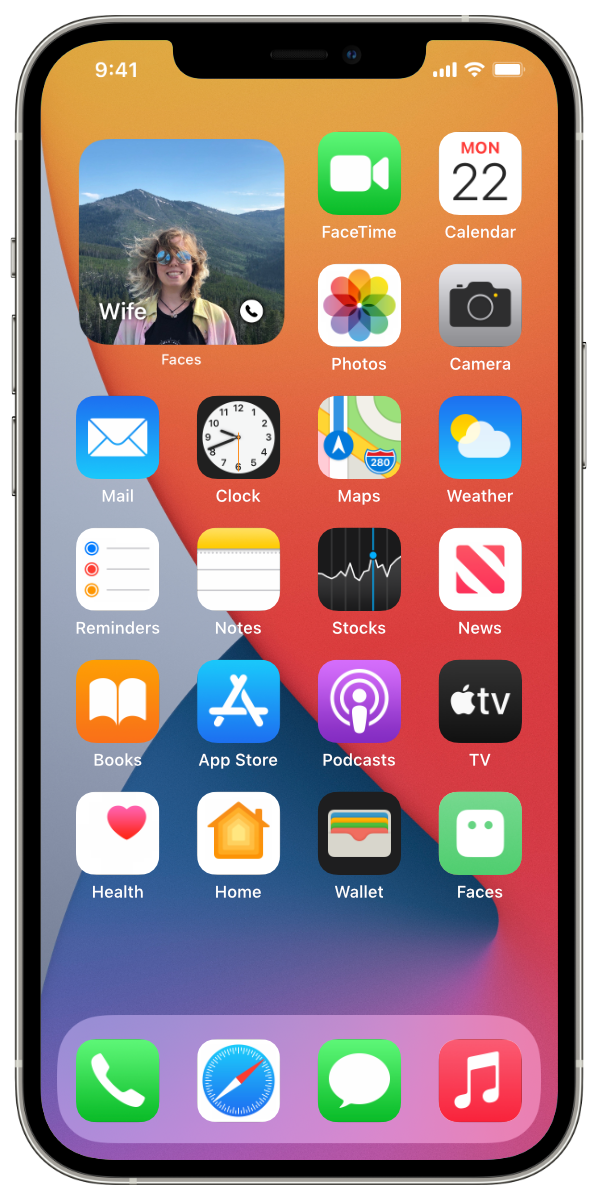
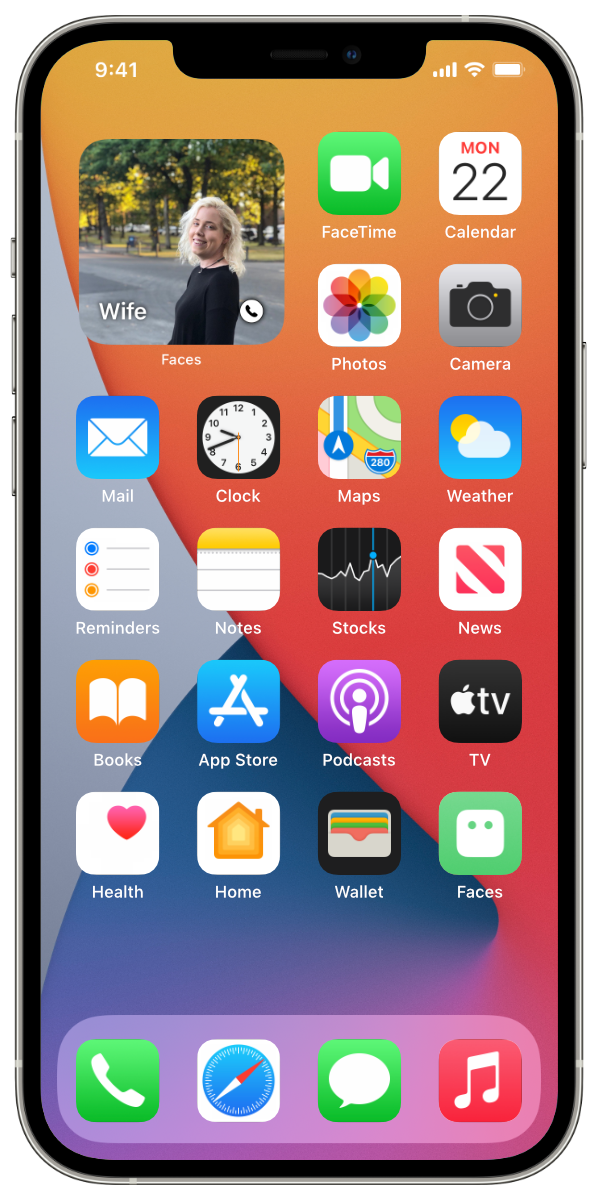
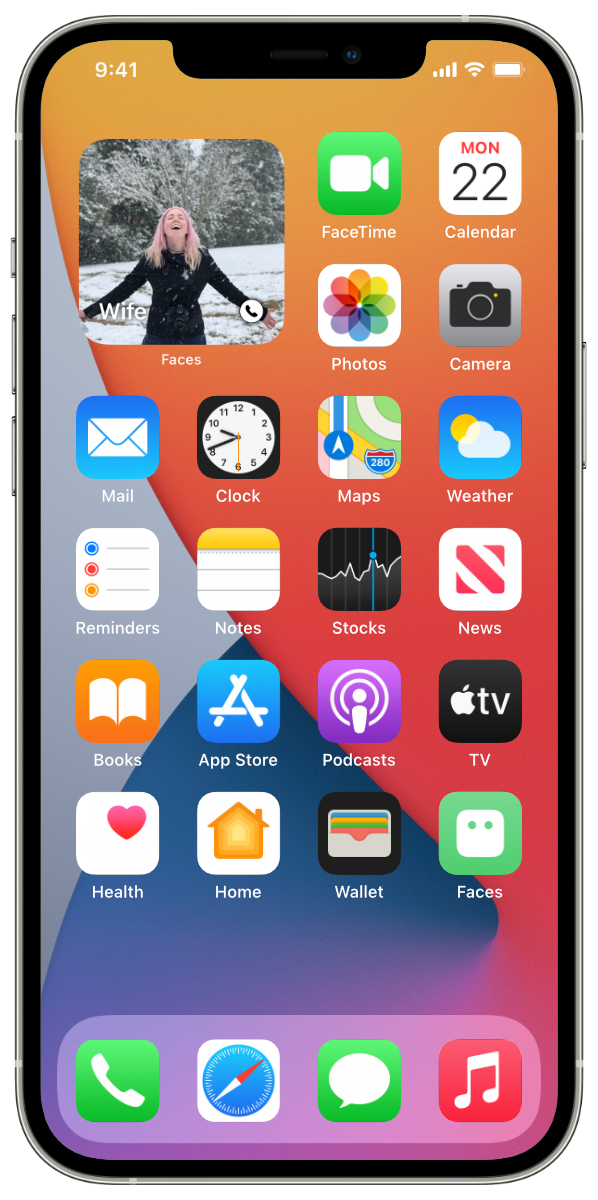
Every side’s their good side.
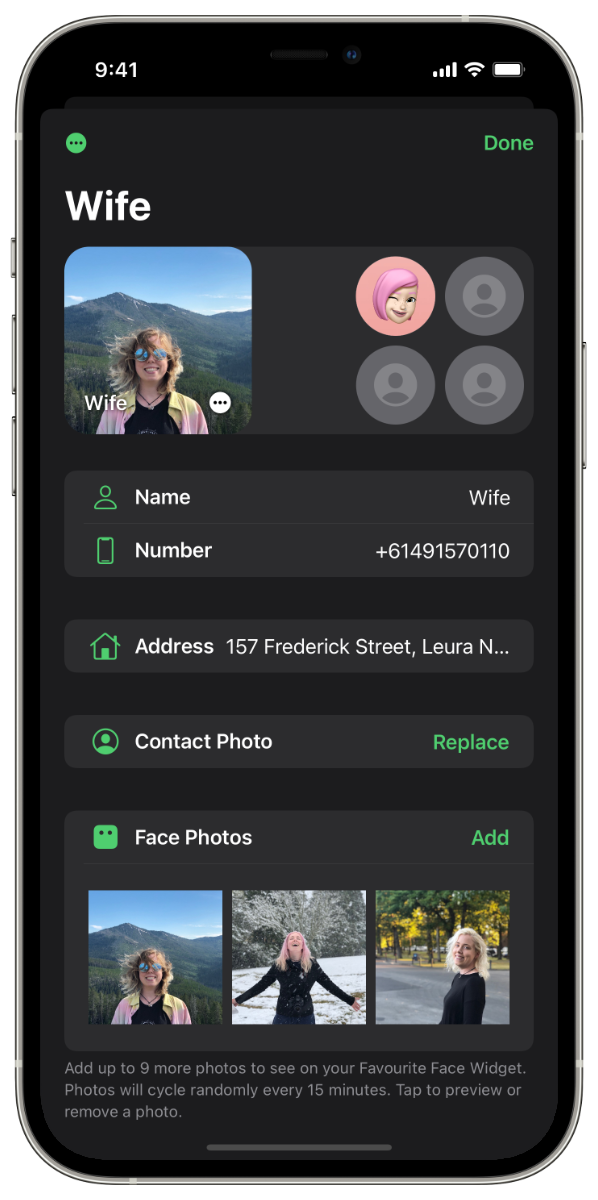
Cycle through up to a dozen photos of your favourite people, so you never know which of their good sides you’re going to see next time you look.
Their info. For your eyes only.
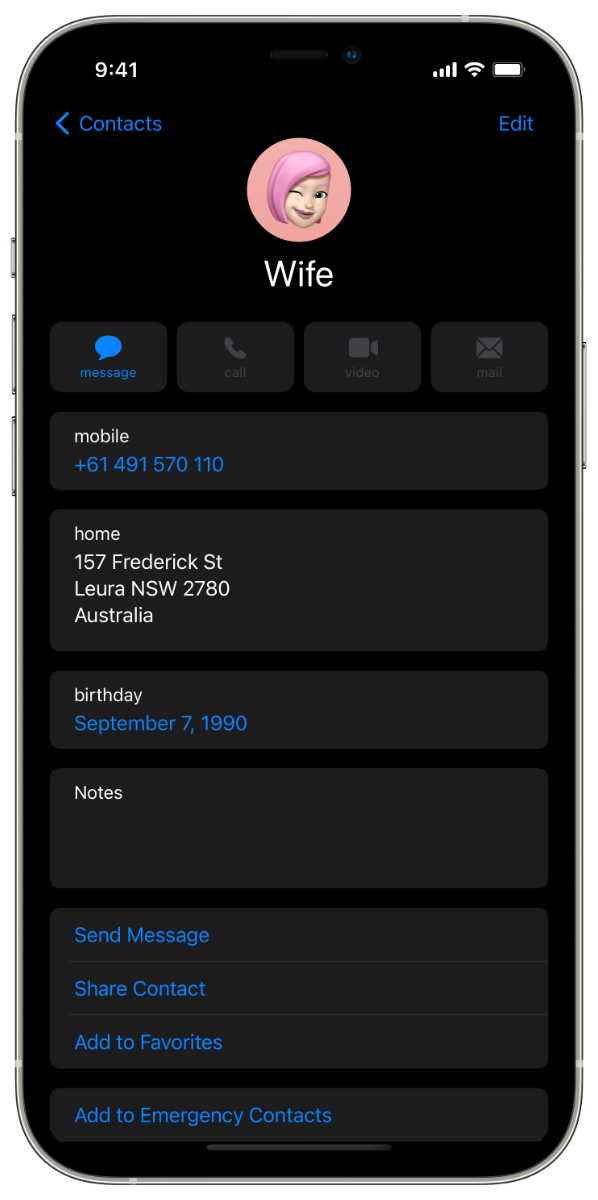
Any contact information and photos you choose to add to your Favourites will stay private and secure on your device, always.
Get Favourite Faces on iPhone.
A premium app: pay once and enjoy full functionality. No in-app purchases or subscriptions, and Family Sharing covers up to six people.
1. Vila, J., Morato, C., Lucas, I., Guerra, P., Castro-Laguardia, A. M., & Bobes, M. A. (2019). The affective processing of loved familiar faces and names: Integrating fMRI and heart rate. PloS ONE, 14(4), e0216057.